
New C-Pen Exam Reader 3
Give students the confidence to excel during exams, with the next generation of support.

Key benefits for students and educators:
100% exam compliant.
Designed specifically for test environments with verified software.
Fostering true independence.
Eliminates the need for dedicated human readers, helping to reduce anxiety.
Instant text-to-speech.
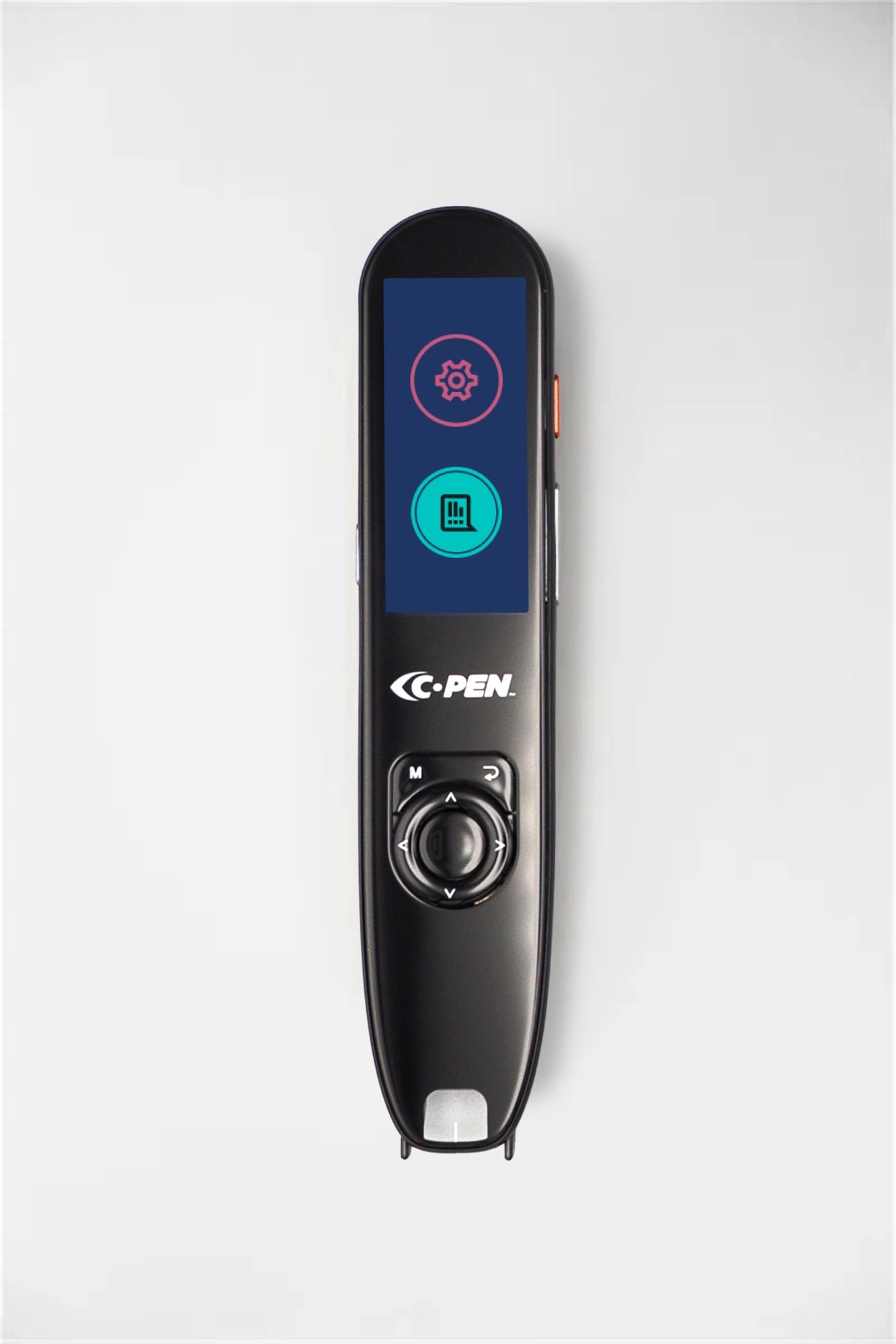
Features high-quality audio playback, with an intuitive color touchscreen.
Advanced assistive technology for every
classroom and exam hall.
Built to support diverse learning needs seamlessly and securely
Boost exam confidence
Tackle exam questions and decode complex text effortlessly with the C-Pen Exam Reader 3, including crystal-clear reading voice and a full-color touchscreen.
Inclusive exam-taking
Exam Reader 3’s sleek, ergonomic, portable design converts into text-to-speech, building students' confidence and allowing them to sit exams independently and with their peers.
Exam board-approved
Approved for use in standardized testing (including College Board SAT/AP exams) when specified in a student’s IEP, 504 Plan, or official accommodation approval.
Multilingual reading support
Functions as an instant text-to-speech assistant, reducing the need for a human reader, by scanning and reading aloud 12 different languages, including English, Welsh, French, Spanish, German, and Italian.
100% exam-compliant & distraction-free
Features zero internal storage and no Wi-Fi access to comply strictly with exam security standards, preventing unauthorized information access while keeping students focused.
Protected & up-to-date
Stay current without compromising integrity; enjoy safe, seamless performance improvements through encrypted, secure updates and verified software.
Frequently asked questions
What’s the difference between Exam Reader 2 and Exam Reader 3?
The technical platform has been developed even further, with a new generation of hybrid navigation (touch + buttons), USB-C headphones, a color screen, a more capable CPU, an updated OCR engine, and improved acoustics (speaker audio).
Additionally, the implementation is safer, with secure boot/signed software and a hardened OTA update channel.
What’s the difference between Exam Reader 3 and Reader 3?
From a usability perspective, the Exam Reader 3 only reads out aloud, while Reader 3 is a more versatile tool for reading. It includes features like definitions, translations, voice input, and scan & save.
Can I try before I buy?
Yes, of course. Get in touch with one of the Scanning Pens team to discover more about our free trial!
How does the magic happen?
Reading pen technology works by relaying the words on the page to the user via audio: we call this ‘text-to-speech’. To use it, it’s as simple as moving the pen across the words on the page. Optical Character Recognition (OCR) and an industry-leading AI combine to make word feedback fast and simple.
What can I read with Exam Reader 3?
Our pen scanners can tackle text between font sizes 7 – 22, and in most standard fonts that you’d see used in printed materials. It can’t scan text on digital screens, or text on low-contrast backgrounds, so this might impact your scanning if you’re reading from coloured paper.